How to make an AI short film: from one line to a finished film
This page walks through one complete short film, following the lessons in Nova Academy's Creator course: script, cast, storyboard, render, QC, final cut, trailer. Every step has a lesson number. Lessons 04-01 and 05-01 are free once you sign up.
First, a real run: Last Call
We made Last Call from a blank page and timed the whole thing on screen:
- Blank page to final cut: 28:48, including about 5 minutes of rendering
- 7,582 credits (at today's prices)
- Premium 1080p, 12 clips, 21 shots
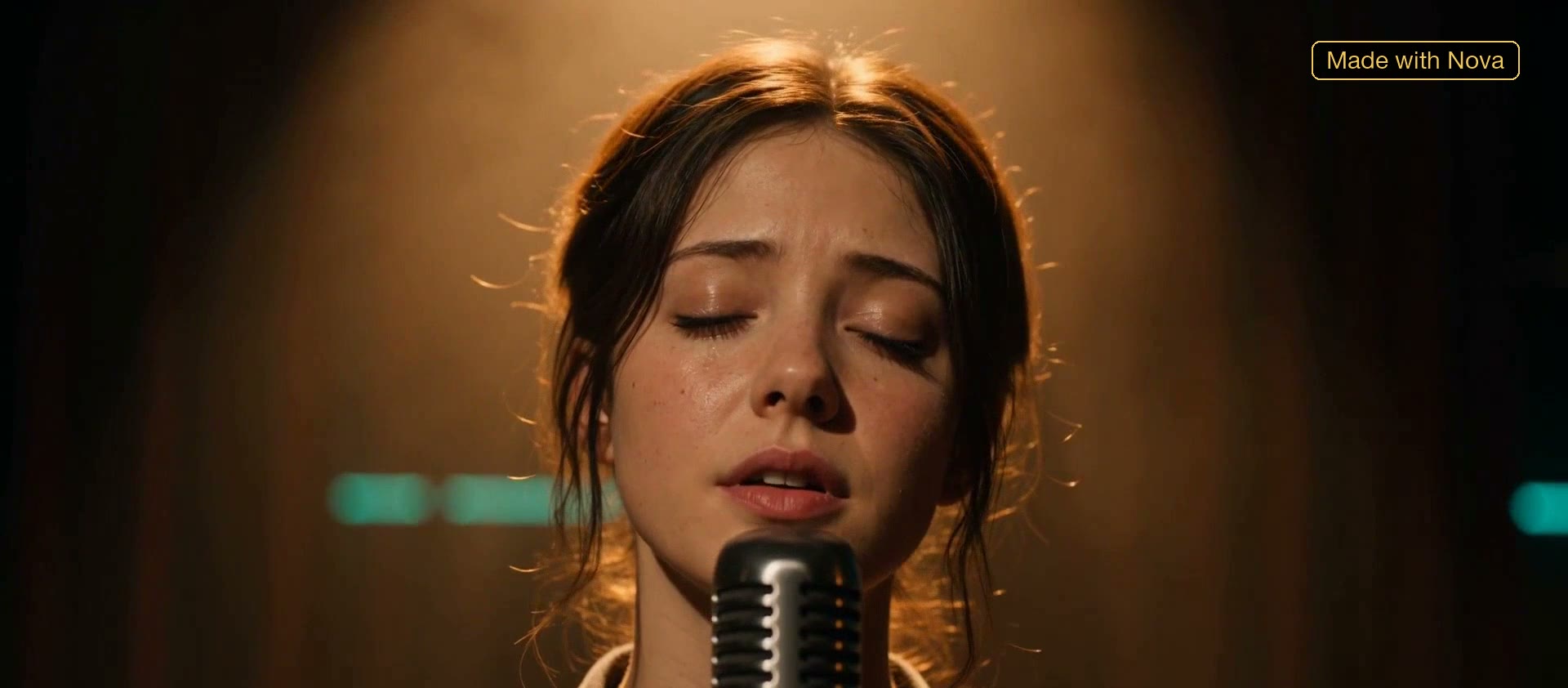
One shot from Last Call. Made with Nova.
The seven steps below are the path that film took. Each one is covered click by click in the lessons.
1. Turn one line into a script, then tear it apart
In the writers' room, type one line, like "I want to film robots vs zombies". The head writer drafts a series Bible, characters and an outline. The writing turn costs credits. Once it's written, sending it to the red team or the brain trust to find problems is free, so you decide what to fix before you pay for any rewrite.
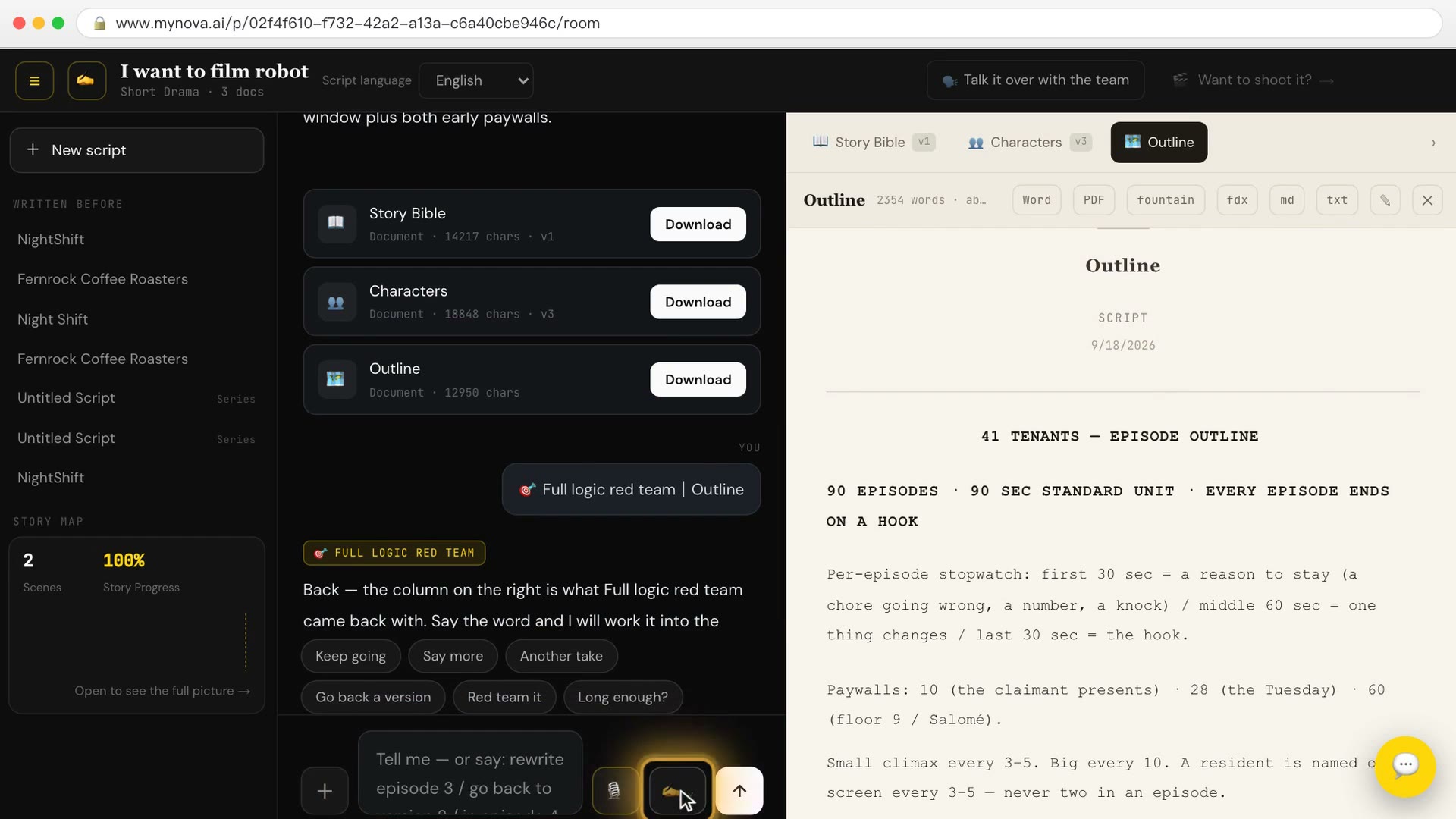
→ Lesson 04-01 "One line becomes a script — then tear it apart for free" (free). You finish with a complete 3-minute script, with its series Bible, characters and outline.
To see exactly which line in the writers' room starts costing credits: Lesson 04-04 "The writers' room: how the staged conversation runs, and which line starts costing".
2. Lock the characters
The same person has to look the same in every shot: same face, same outfit. In the lesson you make looks and headshots for each character and clear the red warnings on the page one by one.
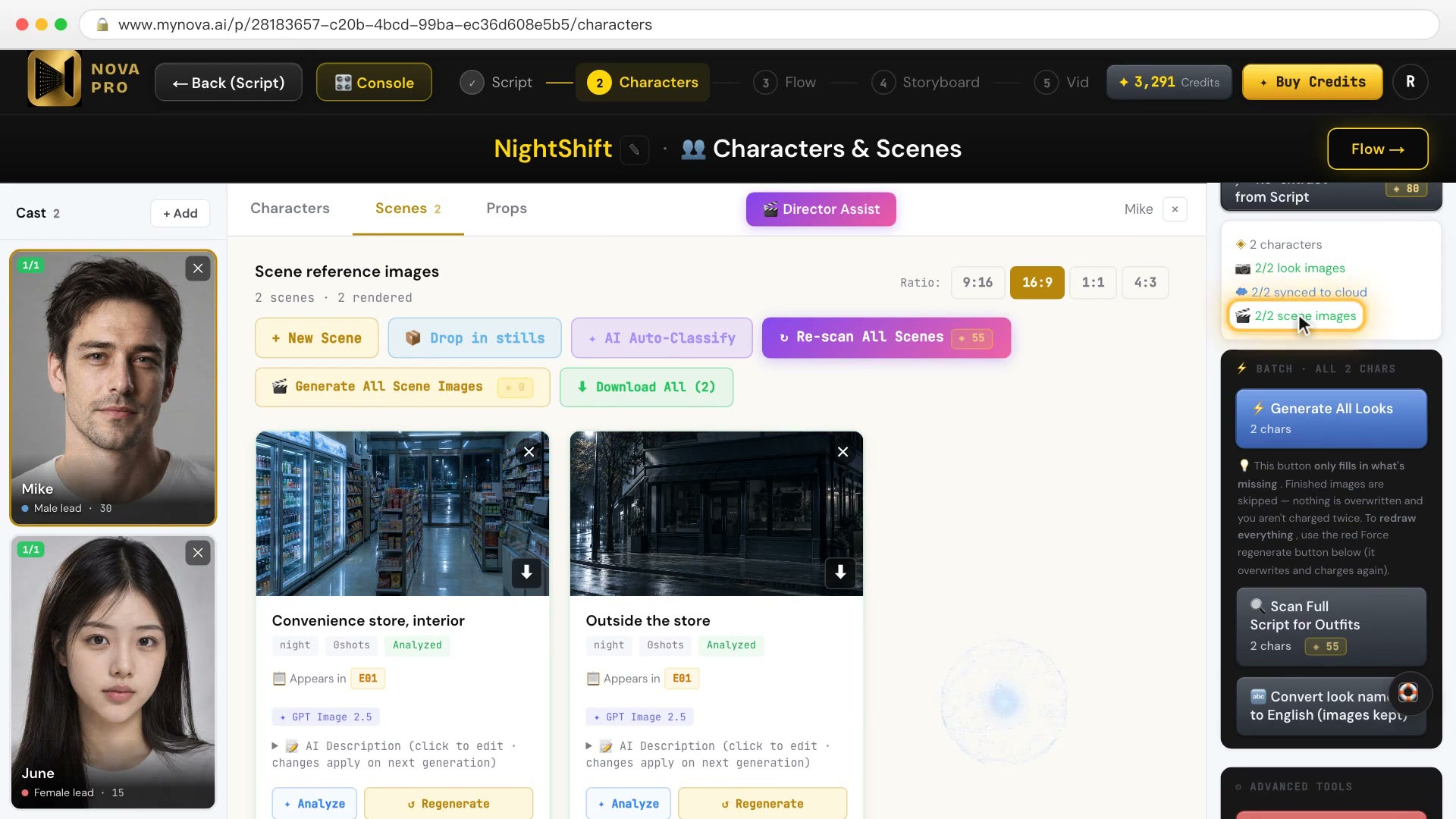
→ Lesson 04-02 "Lock the characters: blue fills gaps, red starts over". You finish with 3 characters × 2 looks + 3 headshots, with every red warning cleared.
3. Storyboard and location plates
Break the script into shots, tag each shot with the characters and the scene in it, and make a reference image for each location. The lesson covers when redoing a scene costs credits and when it doesn't.
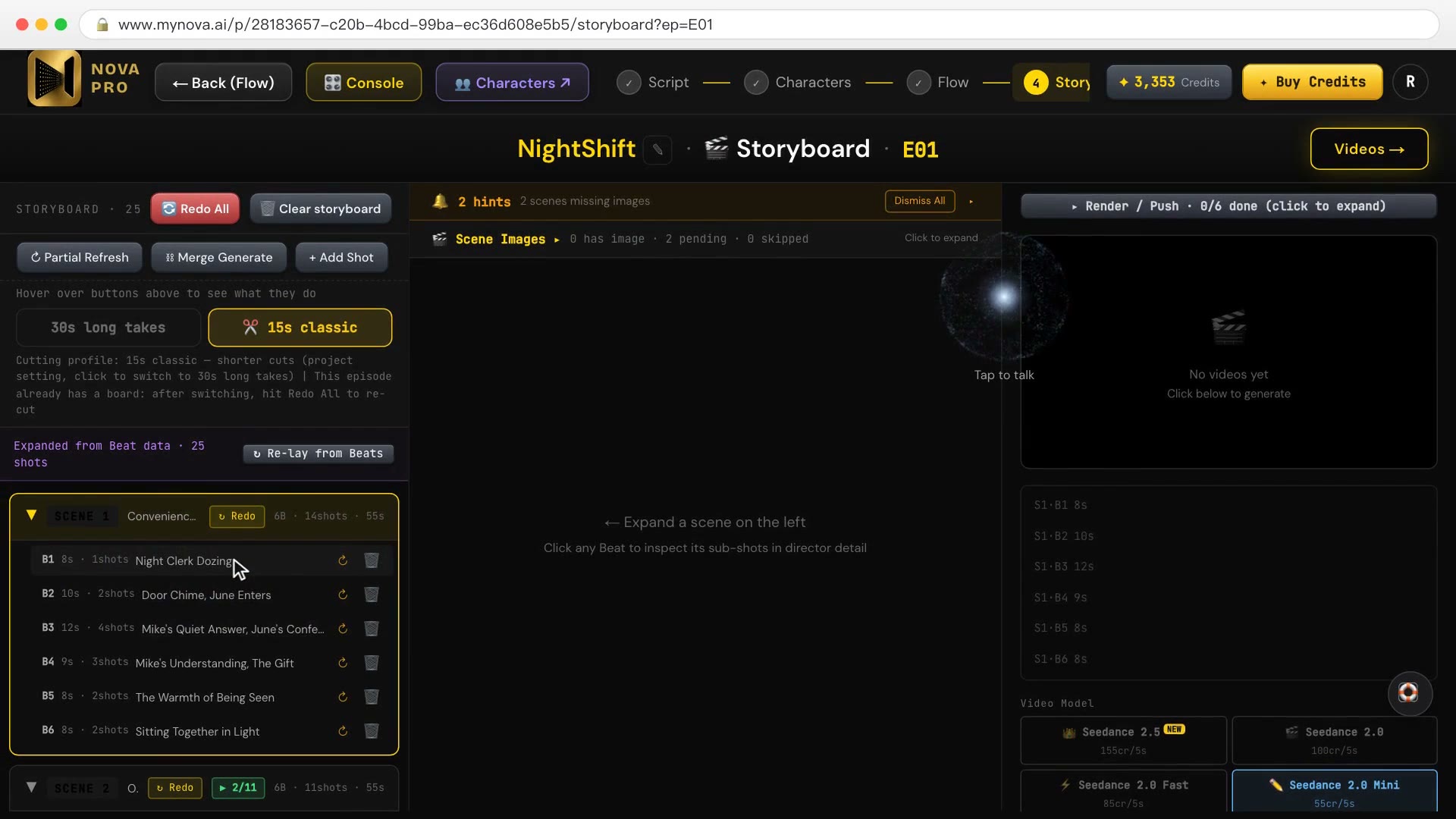
→ Lesson 04-03 "Storyboard and location plates: make every shot line up". You finish with a 36-shot storyboard for one episode, every shot @-tagged with the right characters and scene.
4. Batch render
With the storyboard locked, render the whole episode in one go. One option is ticked by default and spends extra credits for you. The lesson shows where it is and whether to untick it.
→ Lesson 05-01 "Batch render: the box that's ticked by default spends for you" (free). You finish with final video footage for a whole episode.
5. QC
Have the judge go through the episode and flag the shots with problems. Flagging is free. Following its advice costs credits, so you decide which fixes are worth it.
→ Lesson 05-02 "Judge QC: flagging is free, following its advice costs". You finish with a QC report, and an episode with every item in the "waiting on you" column dealt with.
6. Voice, subtitles, final cut
Voice the characters, generate subtitles, and merge the film. If you want a burned-in-subtitle version for social platforms and a clean master, you export twice: once with burn-in on, which gives you one file; once with it off, which gives you a clean MP4 and a separate SRT.
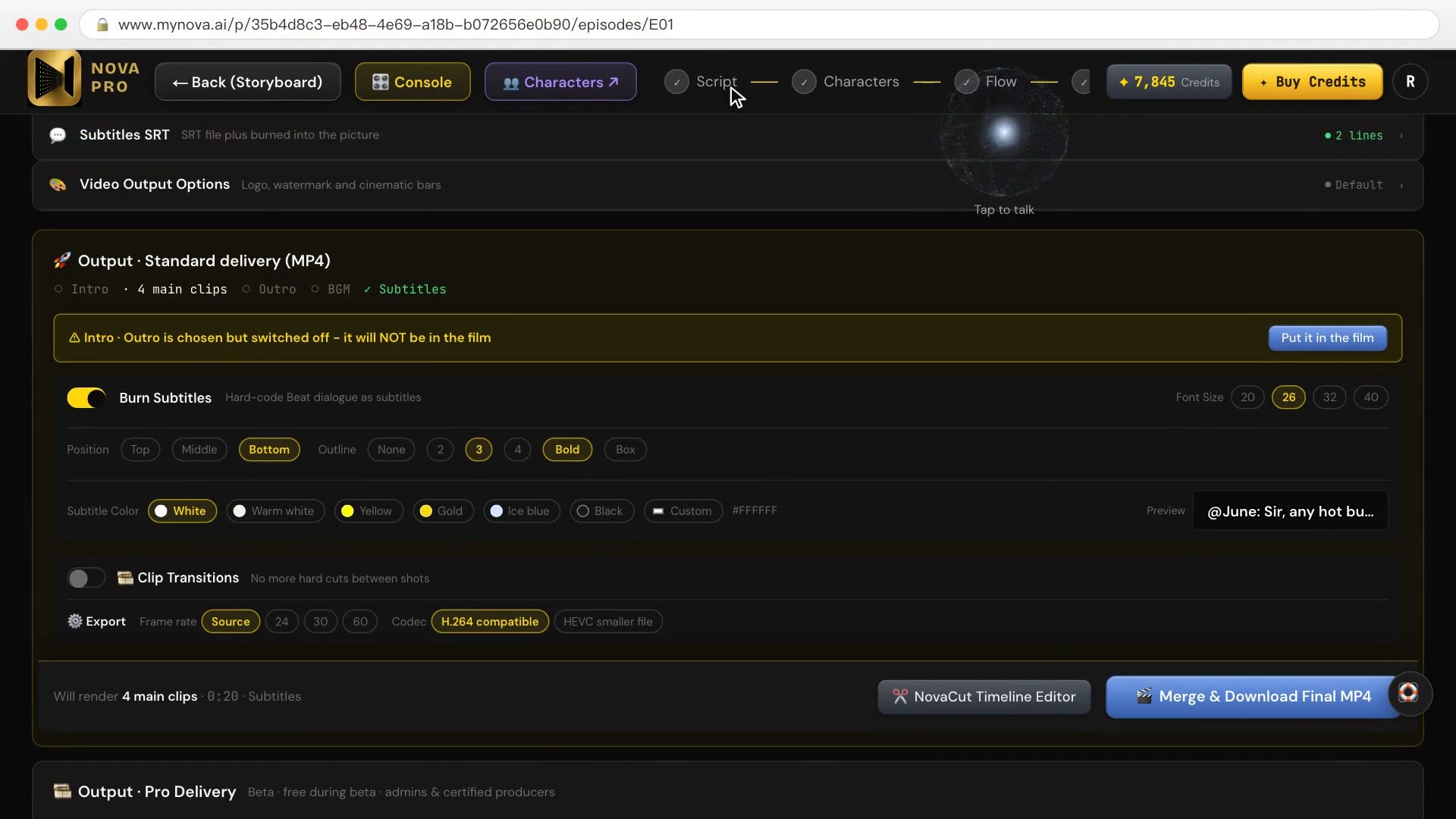
→ Lesson 05-03 "Voiceovers, subtitles, merge: two versions means two exports". You finish with three files: a clean master MP4, a burned-in-subtitle version for platforms, and a separate SRT.
7. Make a trailer
Nova doesn't auto-cut a trailer from your film. A trailer is a new episode: you write a trailer script, then render it shot by shot. Shots you already rendered for the film can't be pulled into the trailer, so every trailer shot is rendered again and costs credits again.
→ Lesson 05-04 "The trailer: there's no auto-cut — a trailer is a new episode". You finish with a 30-second trailer MP4.
FAQ
How long does it take to make an AI short film? Our timed run was 28:48, about 5 minutes of it rendering. Your first one will take longer while you learn, and every step is in the lessons to follow along.
How many credits does it cost? That run was 7,582 credits at today's prices, at Premium 1080p. Most credits go on rendering; quality tier, number of shots and re-renders all change the total. Getting problems flagged, in the script and in QC, costs nothing.
Do I need to write the script myself? No. One line is enough for the head writer to start a draft. Your job is to find the problems and decide what to change.
Where to start
- Just looking: sign up free, no card needed. 04-01 and 05-01 are among the 10 free lessons.
- Ready to make a whole film: Creator covers all seven steps above. Compare courses.
- For short dramas and interactive films with branching endings, see AI short drama.